Unlocking advanced game design in Roblox Studio involves knowing how to import models. This crucial skill empowers United States creators to bring unique assets, characters, and environments from external 3D software directly into their Roblox experiences. By learning how to import models into Roblox Studio, developers can elevate visual quality, reduce development time using pre-made assets, and create truly distinctive games that stand out. This guide provides step-by-step instructions, ensuring your game development process is smooth and efficient. Master asset integration for better graphics and engaging gameplay, attracting a wider audience across the USA. Understanding file types and best practices for importing custom models is essential for any aspiring Roblox developer.
How do I import a 3D model into Roblox Studio?
To import a 3D model, prepare your asset in an external program like Blender and export it as an FBX or OBJ file. Open Roblox Studio, go to the 'Model' tab, click '3D Import', and select your file. Adjust import settings for scale and position.What is the best file type to import models to Roblox?
The FBX file format is generally considered the best for importing models into Roblox Studio. It supports geometry, textures, animations, and rigs, offering a comprehensive solution for complex assets. OBJ is also good for simpler, static meshes.Can I import models from SketchUp to Roblox?
Yes, you can import models from SketchUp into Roblox Studio. You'll need to export your SketchUp model as an FBX or OBJ file first, then follow the standard '3D Import' process within Roblox Studio. Ensure all textures are correctly applied before exporting.Why is my model not showing up after importing to Roblox Studio?
If your model isn't showing up, check its scale during import; it might be too small or too large to see. Verify the file format is supported (FBX/OBJ). Also, ensure the model's origin point is near the center of your 3D software, preventing it from appearing far off-screen.Are there polygon limits for importing models into Roblox Studio?
Yes, Roblox Studio has recommended polygon limits for performance. While there isn't a strict hard cap, models with very high polygon counts can cause lag. Aim for optimized models, typically under 10,000-20,000 triangles for smaller assets and up to 100,000 for large, complex structures.Can I import animations with my models into Roblox Studio?
Yes, the FBX file format allows you to import models along with their associated animations and rigging data into Roblox Studio. This enables creators to bring custom character movements and object animations directly into their games for dynamic gameplay. You can then use the Animation Editor to fine-tune them.Are you ready to truly customize your Roblox creations? Understanding how to import models into Roblox Studio is a game-changer for any aspiring or experienced developer in the USA. This process allows you to bring externally created 3D models – everything from detailed characters to intricate buildings – directly into your Roblox games, significantly enhancing visual fidelity and uniqueness. By following clear steps, you can expand your creative toolkit and build immersive worlds that captivate players.
Understanding Model Import in Roblox Studio
Bringing external models into Roblox Studio empowers creators with unparalleled design freedom. This capability ensures your game worlds are unique and visually rich. It allows for detailed assets not available in the standard library. Learning how to import models into Roblox Studio is a fundamental skill. It helps you craft truly memorable experiences for players.
Why Import Models into Roblox Studio?
Importing custom 3D models offers numerous advantages for game developers. It allows for highly detailed and unique assets that differentiate your game. This process streamlines development by using optimized models. Custom models significantly improve visual quality and realism. They enable creation of specific brand elements or complex environmental details. Importing models helps you stand out in the vast Roblox universe.
Preparing Your Models for Import
Before you import models into Roblox Studio, proper preparation is crucial. Ensure your 3D model is correctly scaled and has clean geometry. Optimize polygon count to maintain game performance. Textures should be appropriately unwrapped and correctly assigned. Convert your model to a supported file format like FBX or OBJ. This preparation step prevents common import errors.
The Import Process in Roblox Studio Step by Step
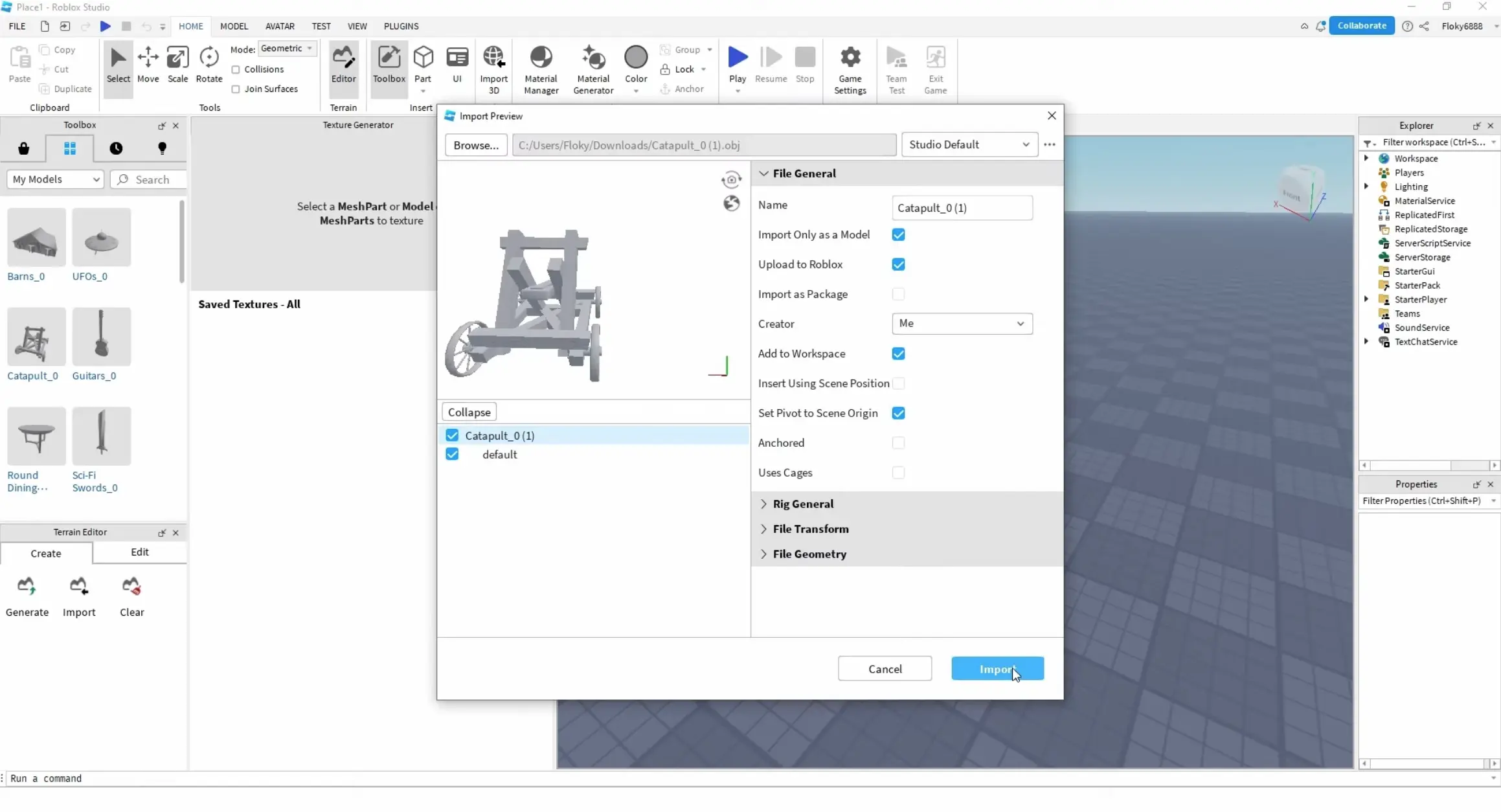
Importing models into Roblox Studio involves a straightforward sequence of actions. First, open your Roblox Studio project. Navigate to the 'Model' tab in the ribbon bar. Select '3D Import' to open the import dialogue. Browse to your prepared FBX or OBJ file on your computer. Carefully review the import options before confirming the action. This ensures proper scaling and orientation. Once imported, your model will appear in the workspace, ready for placement and scripting.
What File Types Can Roblox Studio Handle?
Roblox Studio supports several popular 3D model formats. Each format offers different benefits for creators. Understanding these types is key to a smooth import process. Knowing which file to use helps avoid conversion issues. Always aim for an optimized file type.
Supported 3D Model Formats for Roblox Studio Format Description FBX Widely supported, includes textures, animations, and rigs. OBJ Simple geometry and UV data, often used for static meshes. GLB Efficient, contains all data in a single file, gaining popularity.
What Others Are Asking?
How do I import models to Roblox from Blender?
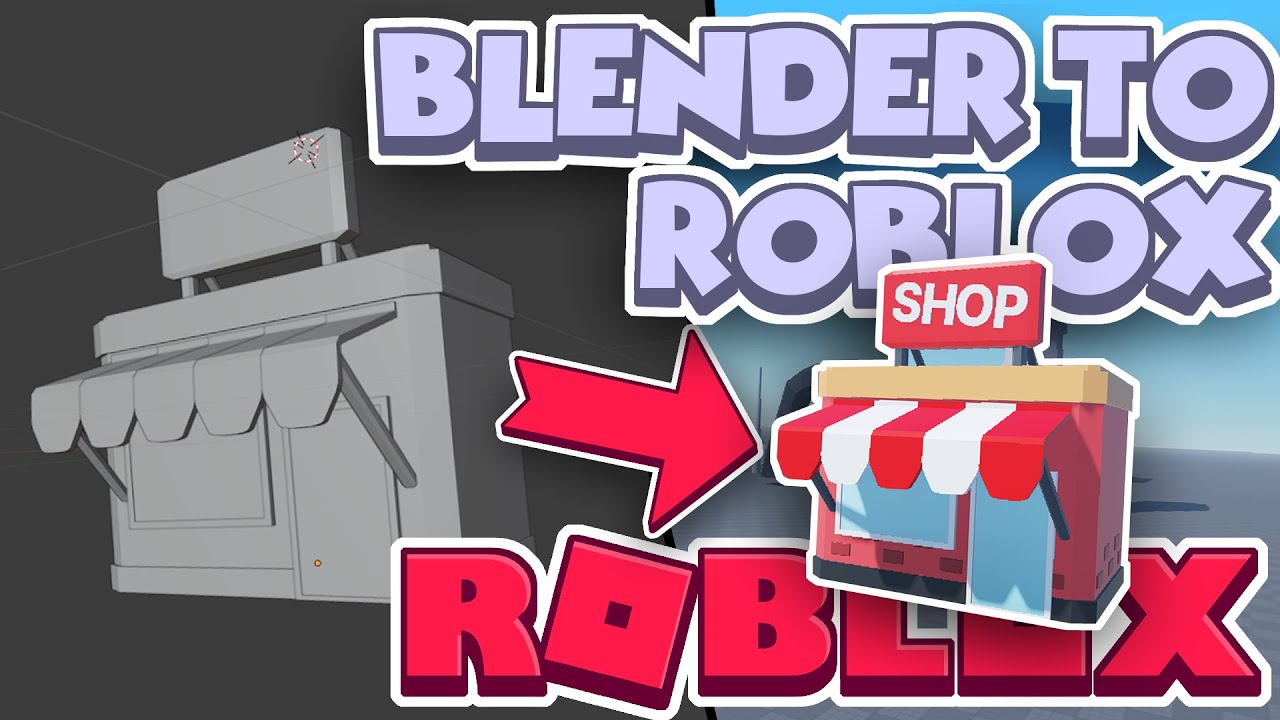
To import models from Blender, first export your model as an FBX file. Ensure all textures are packed or saved externally. In Roblox Studio, use the '3D Import' tool under the 'Model' tab. Adjust scale and orientation as needed during the import dialogue. This brings your Blender creation into your Roblox world efficiently.
Can I import custom assets into Roblox?
Absolutely, you can import custom assets into Roblox Studio. This includes 3D models, textures, and even custom animations. The ability to import models allows for unique game content. It significantly enhances visual diversity and player immersion. Custom asset imports are fundamental to advanced Roblox development.
Why can't I import models into Roblox Studio?
Common reasons for import failure include incorrect file formats, excessively high polygon counts, or missing textures. Check your model's scale and origin point in your 3D software before exporting. Ensure your Roblox Studio is updated to the latest version. Troubleshooting these areas often resolves import issues effectively.
What file types does Roblox Studio support for 3D models?
Roblox Studio primarily supports FBX and OBJ file formats for 3D model imports. While GLB is gaining support, FBX is the most robust, often preserving textures, rigging, and animations. OBJ files are simpler and great for static meshes. Always choose the format best suited for your asset's complexity.
Is importing models free on Roblox?
Yes, importing your own custom 3D models into Roblox Studio is a free feature for all developers. You don't need a premium subscription or Robux to bring your self-created assets into your games. This makes advanced game development accessible. It encourages creativity without financial barriers.
FAQ
Who imports models into Roblox Studio?
Game developers, designers, and creators of all skill levels utilize this feature. They enhance their experiences with unique visual assets. Anyone aiming for custom, high-quality game content will import models.
What are imported models in Roblox Studio?
Imported models are 3D objects created outside Roblox Studio. They are brought in to customize games. These assets can include characters, props, buildings, or environmental elements. They significantly expand design possibilities.
Why should I import models into Roblox Studio?
Importing models allows for greater creative control and unique game aesthetics. It enhances visual quality beyond standard Roblox assets. It also helps optimize game performance with tailored models. This process distinguishes your game from others.
How do I import models into Roblox Studio?
First, prepare your 3D model in software like Blender. Export it as an FBX or OBJ file. In Roblox Studio, use the '3D Import' feature under the 'Model' tab. Follow the prompts to bring your asset into your game.
Summary of Key Points on How to Import Models into Roblox Studio
Mastering how to import models into Roblox Studio is a pivotal step for creators looking to push the boundaries of their game development. This guide covered preparing your models, understanding supported file types like FBX and OBJ, and navigating the import process. By following these straightforward steps, you can seamlessly integrate custom 3D assets, creating more immersive, visually appealing, and unique experiences for your audience in the United States and beyond. Embrace this skill to elevate your creative projects and build the next trending Roblox game.
Learn easy steps to import models into Roblox Studio, understand supported file types like FBX and OBJ, enhance your Roblox games with custom 3D assets, discover troubleshooting tips for successful imports, and optimize your game development workflow.
35


How To Import Models Into Roblox Studio YouTube . How To Import Models With NEW Roblox Studio UI Update YouTube . How To Import Models Into Roblox Studio YouTube . How To Import 3d Models Into Roblox Studio Quick Tutorial YouTube . How To Import A 3D Model To Roblox Studio YouTube



How To Import 3D Model Into Roblox Studio YouTube . How To Import 3D Models Into Roblox Studio Playbite How To Import 3d Models Into Roblox Studio . How To Import Obj Models To Roblox Studio Como Importar Archivos Obj . How To Import Models To Your Roblox Game YouTube . How To Import 3D Models Into Roblox Studio YouTube



How Do I Use Import 3D In Roblox Studio Platform Usage Support 2 688x488 . Easiest Way To Create Models For Roblox Games Import Sloyd Model Into Roblox.webp. How To Model In Roblox Studio WITHOUT BLENDER Roblox Modeling . How To Add Your Character In Roblox Studio Tech How 5 Spawn In Character. Easy And Quick Way To Import Models WITH COLOR From Blender To Roblox


Roblox Studio How To Import Blender Projects Into Roblox Studio YouTube . Creating Roblox 3D Models With Meshy A Step By Step Guide Blog Meshy Roblox Window.webp. How To Add Character Models To Roblox Studio Without Plugins YouTube . HOW TO IMPORT 3D MODELS INTO ROBLOX WORKS 2022 YouTube . How To Import Blender Models Into ROBLOX Studio YouTube


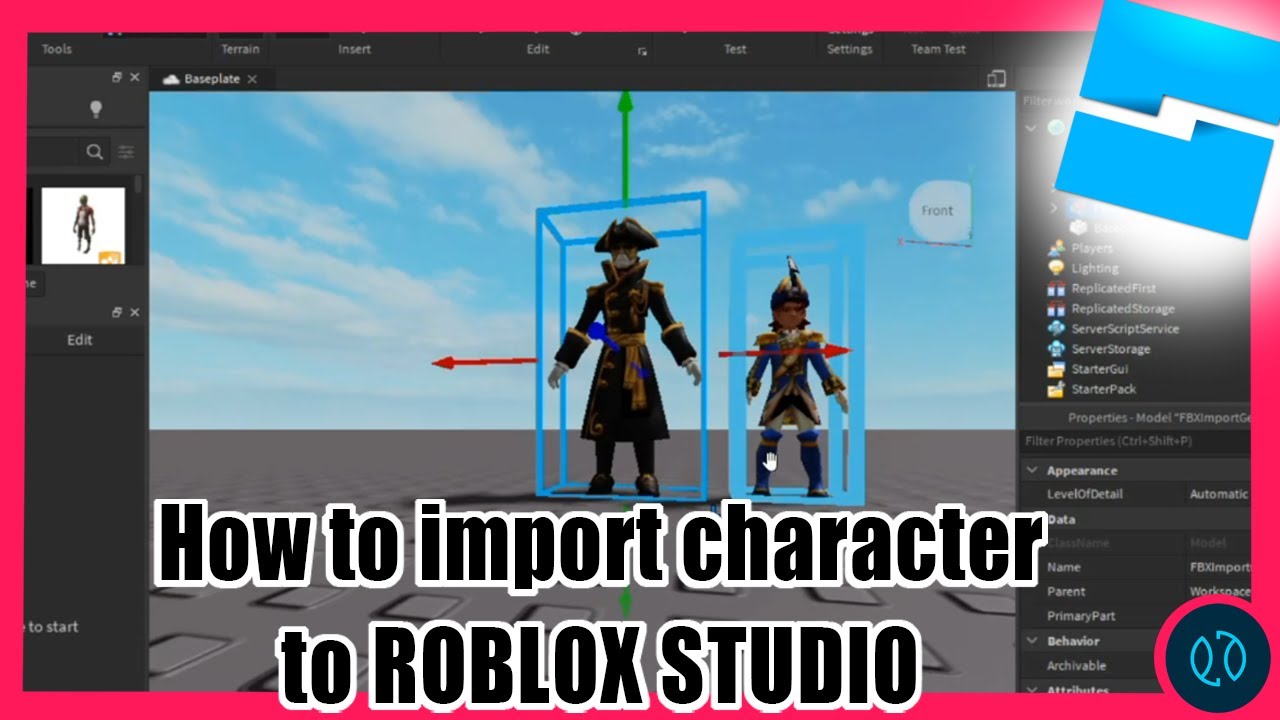

How To Scale In Roblox Studio At Elaine Stetler Blog . How To Create A Model On Roblox Studio In Depth Guide Roblox . How To Import TEXTURED MODELS Into ROBLOX STUDIO Tutorial 2021 . Import Character To Roblox Studio YouTube . How To Import Roblox Studio Models To RetroStudio WORKING CURRENTLY


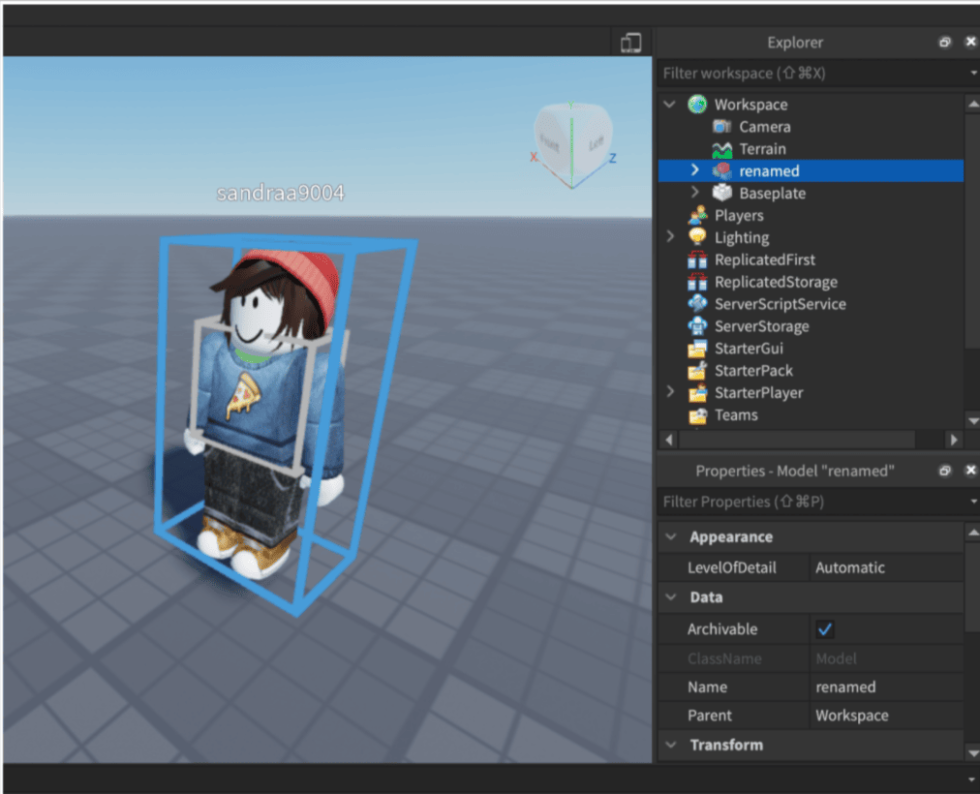
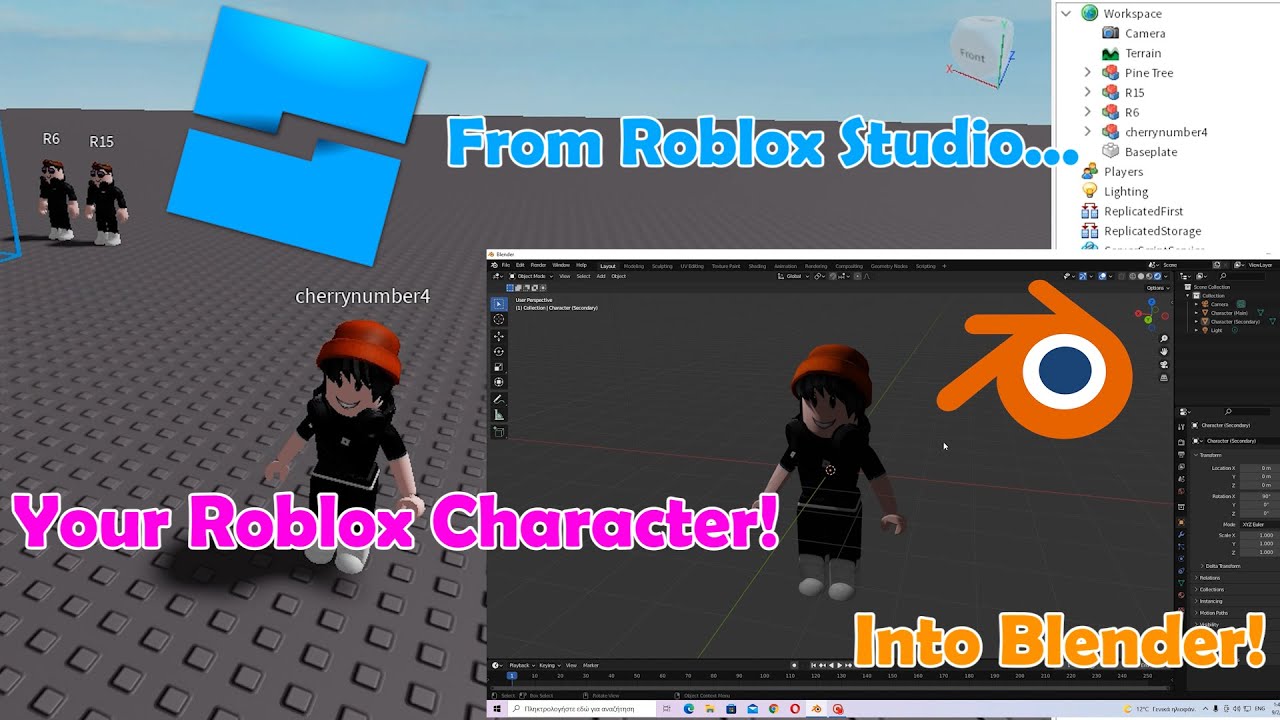

How To Import Meshes Into Roblox Studio YouTube . How To Import Roblox Studio Models To Blender YouTube . How To Import Custom Avatar In Roblox Studio 2022 Guide How To Import Custom Avatar In Roblox Studio 2 980x794 . How To Import Any Roblox Character Into Blender Roblox Studio And . How To Import A Model From Roblox Studio Into Blender EASY YouTube


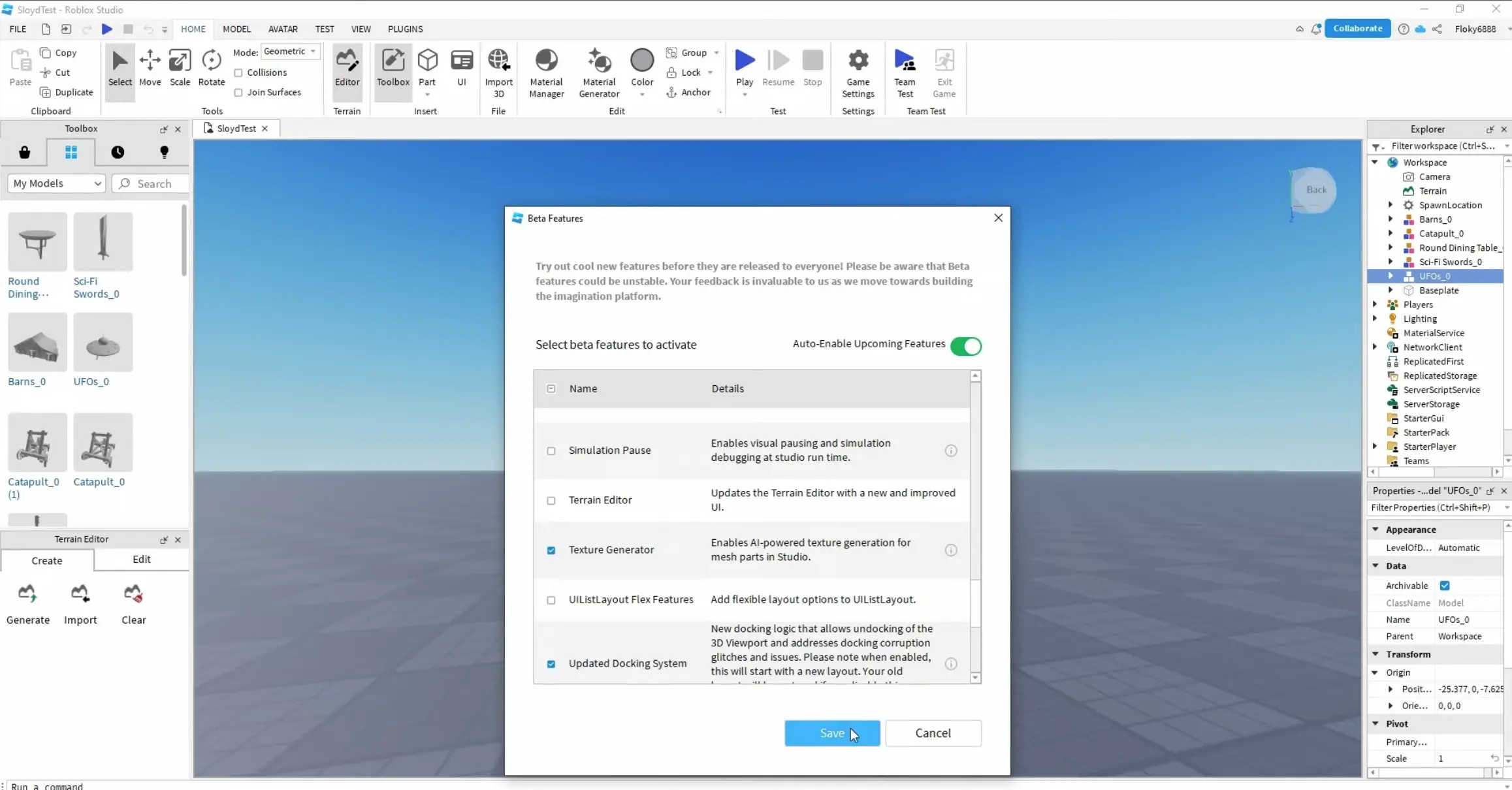


Importing 3D Models And Animations Into Roblox A Step By Step Guide 1536x730 . How To Import A Blender Model Into Roblox Studio YouTube . Easiest Way To Create Models For Roblox Games Activate Beta AI Texture In Roblox.webp. How To Import A Mesh Into Roblox Studio Roblox Studio Tutorial YouTube . Importing 3D Models And Animations Into Roblox A Step By Step Guide 300x144