How Do You Create Your Own Game FAQ 2026 - 50+ Most Asked Questions Answered (Tips, Trick, Guide, How to, Bugs, Builds, Endgame)

Welcome, fellow gamer, to the ultimate living FAQ for creating your own game in 2026! The landscape of game development is constantly evolving, with new tools, technologies, and trends emerging faster than ever. We've scoured forums, developer talks, and recent industry shifts to bring you the most relevant, up-to-date answers. This guide is your companion, whether you're dreaming up your first indie masterpiece or refining an existing project. We'll cut through the noise, address common misconceptions, and equip you with practical tips and tricks gleaned from today's top creators and AI-driven insights. Dive in and start building your dream game today!

Getting Started: Your First Steps

What is the absolute easiest way to make a game as a beginner?

The easiest way to start is by using a drag-and-drop game engine or a visual scripting tool like Construct 3 or GDevelop. These platforms allow you to create interactive experiences without writing complex code. Focus on a very simple concept first, perhaps a basic platformer or a 'clicker' game. Try to finish one tiny project quickly.

Do I need to learn coding to create my own game?

Not necessarily. While coding provides immense power and flexibility, many modern game engines offer visual scripting systems (like Unreal Engine's Blueprints or Unity's Bolt). These allow you to build game logic using nodes and connections, making game creation accessible without deep programming knowledge. Start visual, then learn code later.

What's a good first game idea for someone new to development?

A simple platformer, a basic puzzle game like 'match-3', or a 'pong'-style arcade game makes an excellent first project. These genres have clear rules, limited scope, and manageable assets. Focusing on a small, achievable idea helps you learn the entire development pipeline from start to finish.

How much does it cost to start making a game in 2026?

Making a game can range from absolutely free to very expensive. Many powerful game engines like Unity and Unreal Engine offer free tiers for personal or small team use. Free assets are available, and open-source tools abound. Your main investment might be time and potentially learning resources or premium asset packs if desired.

Essential Tools: Engines and Software

Which game engine is best for indie developers in 2026?

Unity and Unreal Engine remain top choices for indie developers in 2026, each with unique strengths. Unity is highly versatile for 2D, 3D, and mobile, boasting a huge community. Unreal Engine excels in high-fidelity 3D graphics, especially with its Lumen and Nanite technologies for realistic visuals. Godot Engine is also rapidly gaining traction as a lightweight, open-source alternative.

What software do I need for 2D game art and animation?

For 2D game art, popular choices include Aseprite for pixel art, Krita or GIMP for digital painting and raster graphics, and Inkscape or Adobe Illustrator for vector art. For animation, tools like Spine (for skeletal 2D animation) or traditional frame-by-frame animation in your art software are common. Many free options exist to get started.

Are there good free alternatives to expensive game development software?

Yes, absolutely! Blender offers professional-grade 3D modeling and animation, GIMP and Krita are powerful image editors, and Audacity is great for audio editing. Godot Engine is a fantastic open-source game engine. These free tools provide robust functionality, making game development accessible on a budget. Don't let cost be a barrier.

Myth vs Reality: You need a powerful gaming PC to make games.

Reality: While a powerful PC helps with demanding 3D rendering and complex simulations, you don't always need one, especially when starting out. Many 2D games or simpler 3D projects can be developed on mid-range machines. Cloud-based development environments are also emerging, offloading heavy processing. Focus on learning first, upgrade later.

Design Principles: Crafting Your Vision

What is a Game Design Document (GDD) and why is it important?

A Game Design Document (GDD) is a living blueprint for your game, detailing every aspect from mechanics and story to art style and sound. It's crucial for keeping your vision consistent, communicating effectively with team members, and staying focused during development. Think of it as your game's encyclopedia, guiding every decision.

How do I come up with original and engaging game ideas?

To generate original game ideas, start by analyzing existing games you love and identifying what makes them fun, then consider what's missing or how you could innovate. Brainstorm by combining unlikely genres or mechanics, or draw inspiration from real-world experiences and unique cultural elements. Always prototype ideas quickly to test their core appeal. Keep a notebook handy for every spark of inspiration.

What's the difference between game mechanics and features?

Game mechanics are the rules and systems governing player interaction and gameplay outcomes (e.g., jumping, shooting, crafting). Features are specific implementations or content that utilize these mechanics (e.g., a double jump ability, a specific weapon, a crafting menu). Mechanics are the 'how' you play, features are 'what' you can do. Both are vital for a complete game.

Myth vs Reality: Good graphics automatically make a game successful.

Reality: While attractive graphics can draw initial attention, they are not the sole determinant of success. Compelling gameplay, innovative mechanics, engaging storytelling, and a strong user experience are far more critical. Many critically acclaimed indie games have simple graphics but brilliant design. Focus on fun first; polish can come later. A visually stunning but boring game will fail.

Coding & Logic: Bringing It to Life

What's the best programming language for game development in 2026?

C# (Unity) and C++ (Unreal Engine) remain the dominant programming languages for professional game development in 2026. Python is excellent for scripting and tool development, often used in conjunction with engines like Godot. JavaScript is prominent for web-based games. The 'best' language depends on your chosen engine and project goals. Each offers specific advantages.

How do I implement basic player movement and controls?

Player movement typically involves reading input (keyboard, gamepad), applying forces or translating objects in the game world, and handling physics interactions. Most game engines provide built-in functions for input and movement. You'll often use a Character Controller component or manipulate a RigidBody for realistic physics. Start with simple left, right, jump, and then build from there. Learn about vectors and transformations.

What are common mistakes beginners make when coding game logic?

Beginners often make mistakes like 'spaghetti code' (unorganized, hard-to-read code), not commenting their code, or neglecting version control. Over-engineering simple systems and trying to implement too many features at once are also common pitfalls. Focus on writing clean, modular code, and test small functionalities frequently. Always use a version control system like Git from day one.

How do I debug my game when things aren't working as expected?

Debugging involves systematically finding and fixing errors in your code or game logic. Utilize your engine's debugger to set breakpoints and step through your code line-by-line. Print debug messages to the console to track variable values and execution flow. Isolate the problem by commenting out sections of code until the issue disappears. Reproduce the bug consistently to identify its source. Patience is key.

Art & Sound: Immersion and Atmosphere

What are common art styles for indie games, and how do I choose one?

Popular indie art styles include pixel art (retro charm), low-poly 3D (stylized simplicity), hand-drawn 2D (unique aesthetics), and cel-shaded (cartoonish look). Choose an art style that complements your game's genre, narrative, and target audience. Consider your own artistic abilities or available resources. Consistency is key, whatever style you pick. A cohesive style enhances immersion.

How can I find or create game assets (models, textures, sounds) if I'm not an artist?

If you're not an artist, explore online asset stores (Unity Asset Store, Unreal Marketplace, Itch.io) for free or paid assets. Utilize open-source asset libraries like OpenGameArt.org. Consider commissioning artists through platforms like ArtStation or Fiverr for custom work. Many developers start with placeholder art and replace it later. Don't let art stop you from prototyping.

What considerations are important for game audio and sound design?

Effective game audio enhances immersion and provides crucial feedback to the player. Consider ambient sounds to set the mood, sound effects for player actions and events, and background music for emotional impact. Ensure sounds are balanced, not too loud or soft. Royalty-free music and sound effect libraries are a great resource. Audio should reinforce gameplay. Good sound design is often unnoticed but vital.

Testing & Feedback: Polishing Your Creation

Why is playtesting so important, and how do I get good feedback?

Playtesting is crucial because it reveals how real players interact with your game, exposing bugs, design flaws, and areas of confusion you might miss. To get good feedback, observe players without interruption, then ask open-ended questions about their experience. Encourage honest criticism, not just praise. Test early and test often with diverse groups. Embrace all feedback for improvement.

How do I fix bugs and iterate on my game design based on feedback?

To fix bugs, categorize them by severity and reproduce them consistently. Use debugging tools to pinpoint issues. Iterating on design involves prioritizing feedback, implementing changes, and then re-testing. Don't be afraid to cut features that aren't working or add new ones based on player suggestions. This cycle of feedback, iteration, and testing is fundamental to game refinement. Always keep your game's core vision in mind.

Myth vs Reality: Only professional testers can find important bugs.

Reality: While professional testers are invaluable, casual playtesters can uncover a vast array of important bugs, especially those related to user experience and unexpected player behavior. Fresh eyes often spot issues that developers, too close to their project, overlook. Your friends, family, and online communities can provide incredibly useful early feedback. Embrace community testing.

Publishing & Marketing: Reaching Your Audience

What steps are involved in publishing an indie game on Steam or mobile stores?

Publishing involves several key steps: preparing your game build (optimization, platform-specific requirements), creating compelling store page assets (screenshots, trailer, description), setting a price, and adhering to platform guidelines (Steam Direct, Google Play Console, Apple App Store). You'll also need to manage legal aspects, such as forming a business entity and handling taxes. Marketing your game is equally crucial after submission.

How can indie developers market their game effectively with a limited budget?

Indie developers can market effectively on a budget by leveraging social media (Twitter, Discord, TikTok), building a community around their game, and creating devlogs or video updates. Engaging with streamers and content creators for coverage can also be highly effective. Participate in online game showcases and festivals. Craft a compelling press kit and reach out to gaming journalists. Grassroots marketing and genuine engagement are key.

Monetization Strategies: Earning from Your Creation

What are common monetization models for indie games in 2026?

Common monetization models in 2026 include premium (one-time purchase), free-to-play with in-app purchases (IAP) or ads, subscription models (especially for service-based games), and battle passes. Early access programs also serve as a form of monetization and community building. The best model depends on your game's genre, target audience, and content. Choose what feels right for your game's integrity.

Advanced Concepts: Pushing Boundaries

How are AI-driven tools transforming game development in 2026?

AI-driven tools in 2026 are rapidly transforming game development by automating content generation, creating more intelligent NPCs, and enhancing playtesting. Frontier models like o1-pro and Gemini 2.5 assist with procedural level design, dialogue generation, and even character animation. This allows smaller teams to achieve previously impossible feats, accelerating workflows significantly and fostering new creative possibilities. AI acts as a powerful co-pilot.

What is procedural generation and how is it used in games?

Procedural generation is the algorithmic creation of game content, such as levels, terrains, items, or quests, rather than manual design. It's used to generate vast, unique worlds in games like Minecraft or No Man's Sky, increasing replayability and reducing development time. It allows for infinite exploration and dynamic experiences. Mastering procedural generation can make your game feel endless and fresh every time.

Common Pitfalls & How to Avoid Them

Myth vs Reality: Your game needs a huge budget to be successful.

Reality: While AAA games require massive budgets, many indie success stories prove that budget is not the sole determinant of success. Innovative gameplay, strong marketing, and genuine connection with players can lead to massive success even with minimal financial investment. Focus on building a great game and fostering a community around it. Passion and smart execution trump deep pockets.

What is 'scope creep' and how can I avoid it in my game project?

Scope creep is the uncontrolled expansion of a project's features and requirements beyond its initial plan, leading to delays and potential failure. To avoid it, define your Minimum Viable Product (MVP) early and stick to it strictly. Prioritize essential features, learn to say no to new ideas during core development, and use agile development methodologies. A firm project plan and consistent review prevent this common trap. Be ruthless with feature cutting.

Myth vs Reality: Your first game must be perfect and revolutionary.

Reality: This is a huge myth that paralyzes many aspiring developers. Your first game does NOT need to be perfect or revolutionary. Its primary purpose is for you to learn the entire development process, make mistakes, and gain experience. Start small, finish it, and release it. Every subsequent game will be better. The learning journey is more important than initial perfection.

Still have questions? Dive deeper into specific topics with our comprehensive guides on Game development, Make your own game, Game design process, Indie game creation, Game engine tutorial, Unity development, Unreal Engine guide, Game prototyping, Learn game coding, Publishing indie games, Game monetization, VR game development, Mobile game creation, PC game dev, Beginner game dev tips

Embark on an exciting journey to create your very own game. This comprehensive guide covers everything from initial concept to final deployment, empowering aspiring developers. Discover the essential tools and techniques needed to transform your creative visions into interactive realities. Learn about game engines, design principles, and coding fundamentals. We explore the latest trends and technologies in 2026, including advanced AI integration. Whether you are a beginner or an experienced developer, this resource provides invaluable insights. Unleash your potential in game creation, building worlds and experiences for players. Dive into the thrilling process of digital artistry and technical challenge. This content is packed with practical advice and actionable steps for your game development success.

Most Reading Post

Ever wondered, "How do you create your own game?" It's a question that sparks the imagination of countless aspiring creators worldwide. You're not alone in feeling a mix of excitement and perhaps a little overwhelm at the prospect. The journey of game development is incredibly rewarding and totally achievable for anyone with passion. Let's break down this amazing process together, just like we're having a quick coffee chat.

As your friendly senior colleague in AI engineering, I’ve seen some incredible advancements in game creation tools. By 2026, frontier models like o1-pro and Llama 4 reasoning are democratizing complex aspects of game development. They help with everything from procedural content generation to intelligent NPC behaviors, making it easier than ever to bring your unique visions to life. Don't worry, we'll cover the essentials for you.

Beginner / Core Concepts

1. Q: I’m completely new to this; where do I even begin with creating a game from scratch?

A: Starting a game project can feel like a huge mountain to climb, I get why this confuses so many people. The best place to kick things off is by defining your core game idea. Think about what kind of game you want to make and who you want to play it. Don't get bogged down in massive details initially; focus on a simple, fun concept. Many people jump straight into tools, but a clear vision saves a lot of rework later. You'll want to choose a game engine next, which is essentially the software framework for building your game. Think of it like your workshop for all game assets. Then, just try to build a tiny, playable prototype; even a simple square moving around is a victory. This iterative approach builds confidence quickly. You've got this!

2. Q: What exactly is a game engine, and why do I need one for my game?

A: A game engine is like the operating system for your game world; it’s a comprehensive software environment. It provides all the foundational tools and frameworks you need, handling graphics rendering, physics simulation, audio playback, and input management. Trying to build all these systems from scratch would be incredibly time-consuming and difficult. Engines like Unity or Unreal Engine offer pre-built functionalities that accelerate development significantly. They allow you to focus more on unique gameplay and creative content, rather than reinventing fundamental tech. Imagine building a house without a hammer or nails; an engine gives you those essential tools. It's a game-changer for solo developers. Try tinkering with a free engine today!

3. Q: Can I create a game without knowing how to code extensively, especially as a beginner?

A: Absolutely! This one used to trip me up too, but modern tools have changed everything. Many game engines now offer powerful visual scripting systems, making coding much more accessible. Tools like Unreal Engine’s Blueprints or Unity’s Bolt (Visual Scripting) allow you to create game logic using nodes and connections, much like a flowchart. You visually connect actions and events without writing a single line of traditional code. While some basic coding knowledge is always beneficial, visual scripting lets you build quite complex games. This approach empowers designers and artists to bring their ideas to life directly. It's a fantastic way to prototype quickly. Give a visual scripting tutorial a try tomorrow!

4. Q: How long does it usually take to develop a game, even a small one?

A: The time it takes varies wildly, but don't let that discourage you; it truly depends on the game's scope. A very simple prototype or a small hyper-casual mobile game might take a solo developer a few weeks or months. Larger indie projects could easily span one to three years with a small team. AAA titles, as you know, often take five years or more with hundreds of people. The key is to start small and incrementally add features. Scope creep is a common pitfall, so define your minimum viable product (MVP) early. Realistic timelines are crucial for avoiding burnout. Breaking your project into small, manageable tasks helps immensely. You’ll be surprised how fast little victories add up.

Intermediate / Practical & Production

5. Q: How do I choose the right game engine when there are so many options available?

A: Choosing the right game engine feels like picking a superpower, and it's a big decision. Your choice largely depends on your game's genre, target platform, and your existing skill set. Unity is incredibly versatile, great for 2D, 3D, mobile, and AR/VR games, and has a massive community. Unreal Engine excels with high-fidelity 3D graphics, perfect for visually stunning PC and console titles. Godot is an excellent open-source option, lightweight and developer-friendly, gaining popularity quickly. Consider engines like GameMaker Studio 2 for 2D pixel art games, or Ren'Py for visual novels. Think about the programming language each engine uses; C# for Unity, C++ for Unreal, Python for Godot. Don’t be afraid to experiment with a few. Pick one and dive deep!

6. Q: What are the most essential programming concepts a beginner should learn for game development?

A: For game development, you'll want to grasp some core programming concepts; they're your building blocks. Variables store data, like player health or score, and are fundamental for any interactive element. Conditional statements (if/else) allow your game to make decisions, such as

Choosing a game engine is your first crucial step. Developing a strong game design document guides your entire project. Learning basic coding or visual scripting unlocks game functionality. Creating compelling art and sound enhances player immersion. Thorough testing and iteration refine your gameplay experience. Understanding marketing helps your game reach its audience. Monetization strategies are vital for sustainable development.

Best Game Making Software For Beginners In 2026 Buildbox Interface To Maker How Create Your First Youtube Make A Step By Tutorial Own Video Guide Apps 2D And 3D.

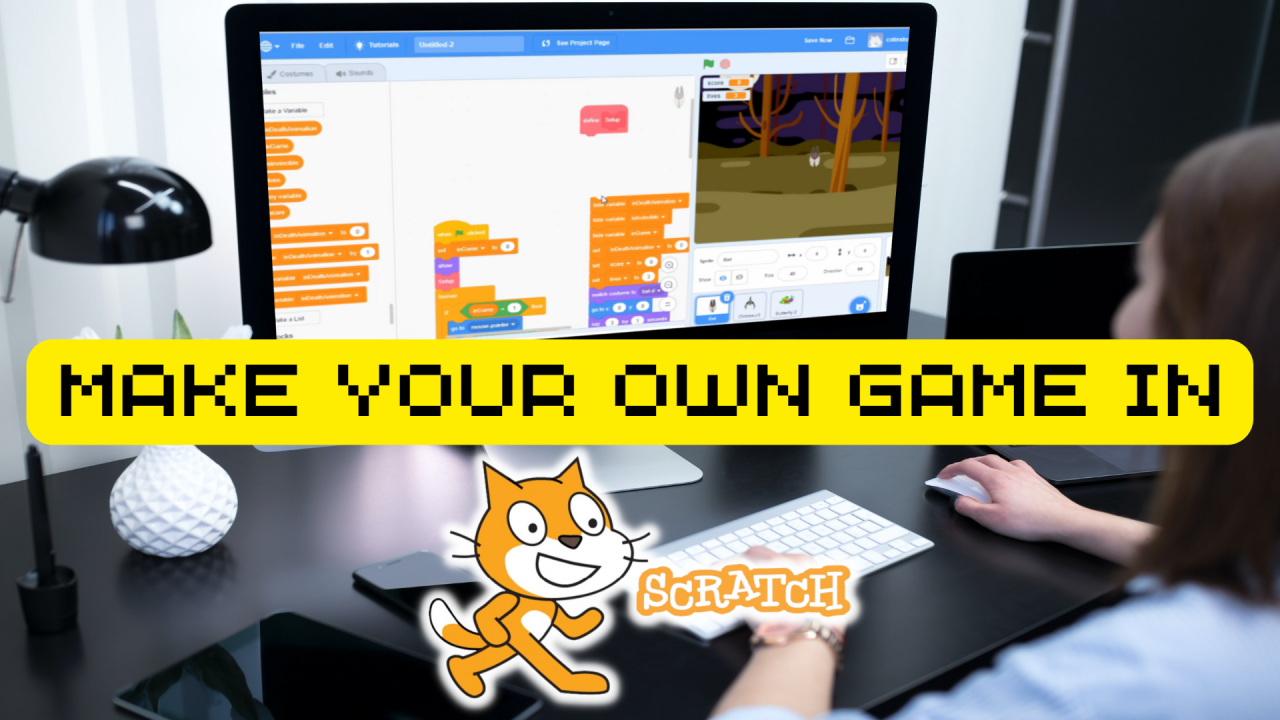
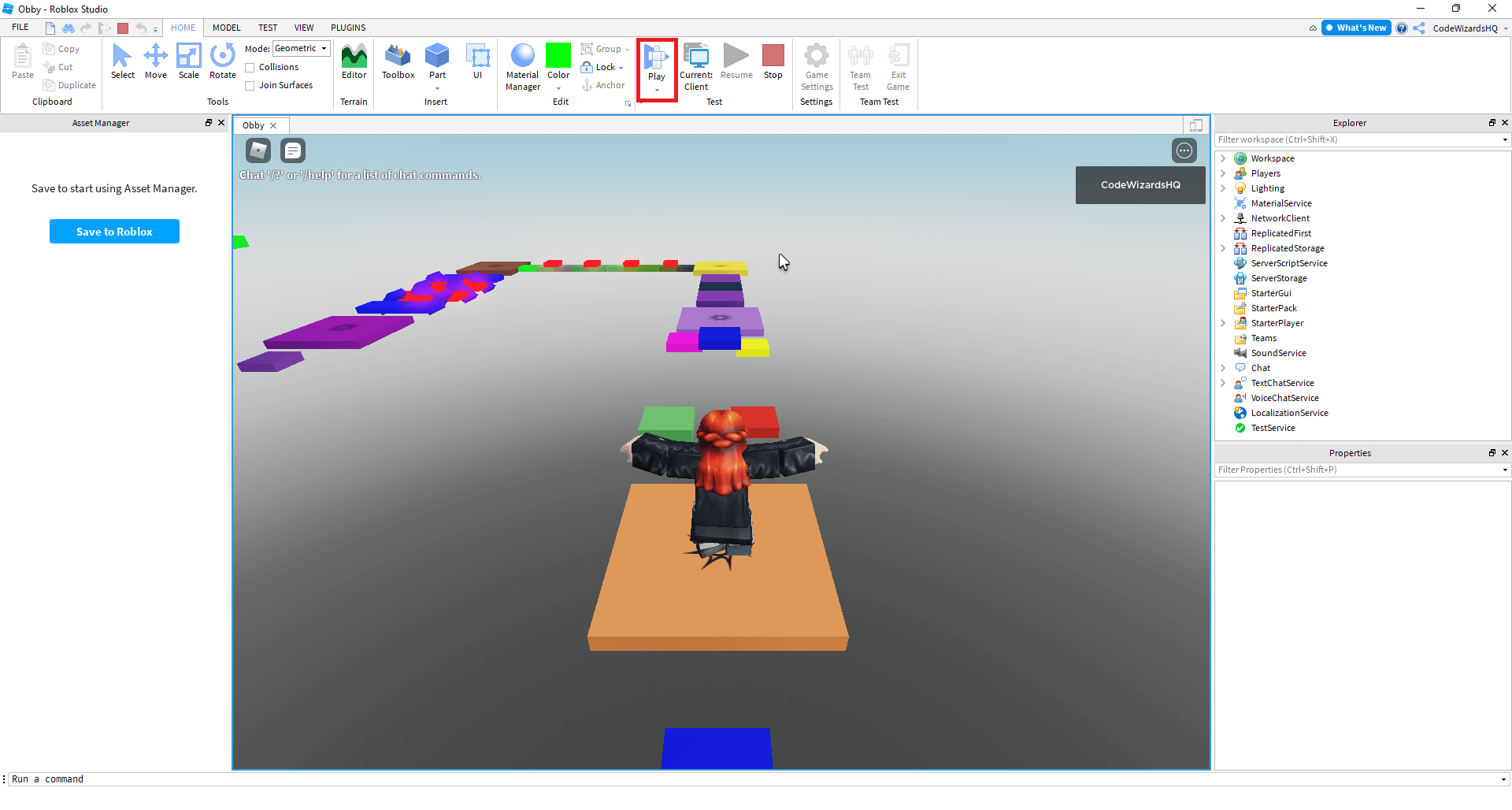
Making Your Very Own Game Using Scratch Block Programming Centre Of Make In How To A Video Steps Develop 2026 Masterclass Adobestock 331476232 Youtube On Roblox Minutes Create Games Step.

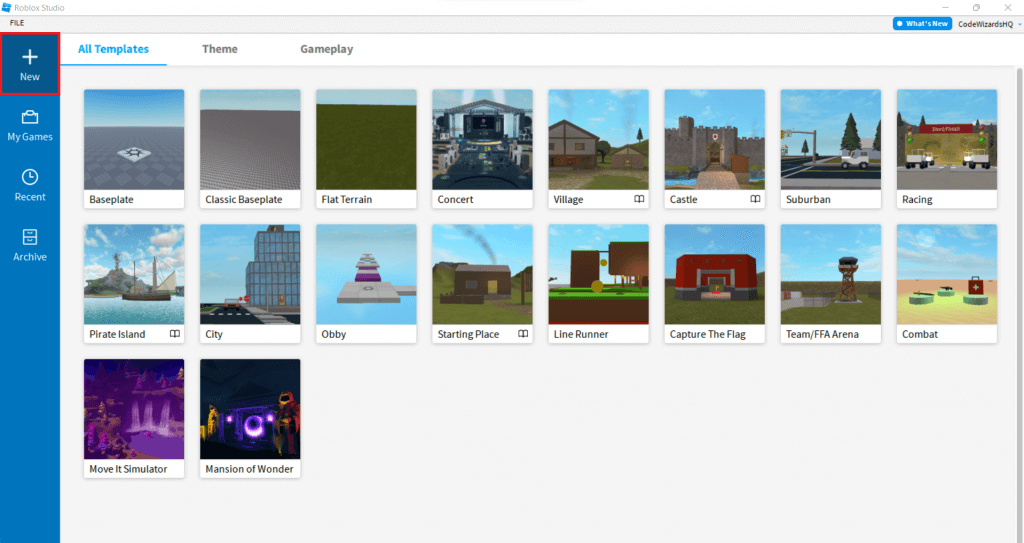
Game Maker Online Build Your Own Without Coding Create Games Featured Image How Do I Fisheries UK Builder Main To Make Roblox Studio Youtube You Can Video TODAY Here S Making Tools.

How To Make Your OWN OFFICIAL GAME On Roblox Studio Youtube Create Video A Step By Guide SDLC Corp Break Into The Industry As Writer Beginners Scratch Hub At Elaine Boehme Blog Screen Shot 2023 AM Calendar 2026 Au T 1755156979 2026 Ver.

How To Make A Roblox Game In Minutes Create Games Step Easy At Roger Monday Blog Do You Your Own Playbite Simple Ways Video Wikihow 670PX User Completed Image 2018.

Create Own Game Your Review Project Make Youtube Board With These Free Amazon Com Designing Building And Playing SL1500 Design Video Worksheet For 3RD 5TH Grade Activity Us Cm 1689120288 Ver.

OUTDATED How To Make Your Own Game Online For Free Youtube Making Software Beginner Design No Coding Maker Video In Minutes Create A Board Cover Industry Standard Tips Tricks.